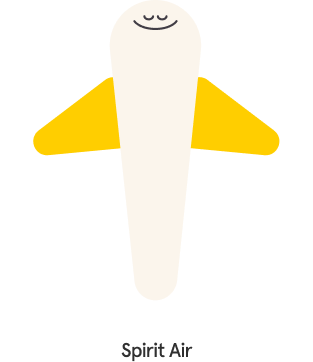
Spirit Air

A Quick UI Design Exercise Paired with Branding

This is a branding exercise.
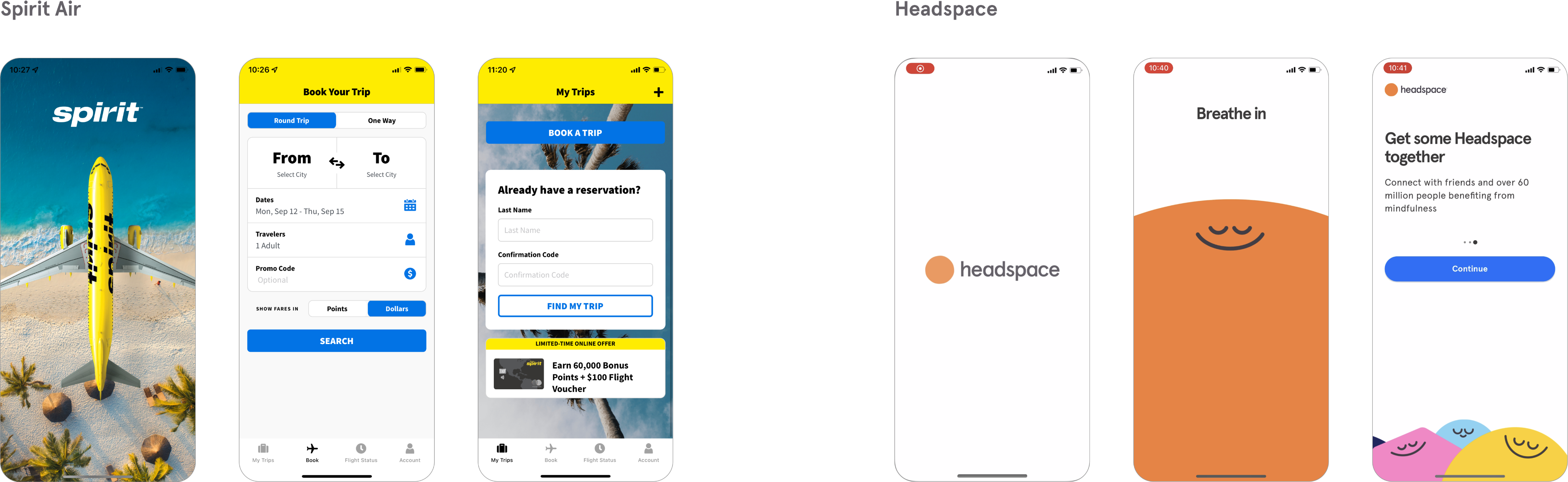
What if an airline app is designed with the aesthetics of Headspace?
Who will be the target audience and their goal?
‍
I designed the brand concept of the app, created a logo, drew illustration assets, and prototyped screens with motion.

Team
Solo Project
Carol Auh
Contribution
Motion Design
Illustration
UI Design
Timeline
6 Hours
‍
Tools
Figma
Research Methods
Competitive Analysis,
Benchmarking
01. Outcome
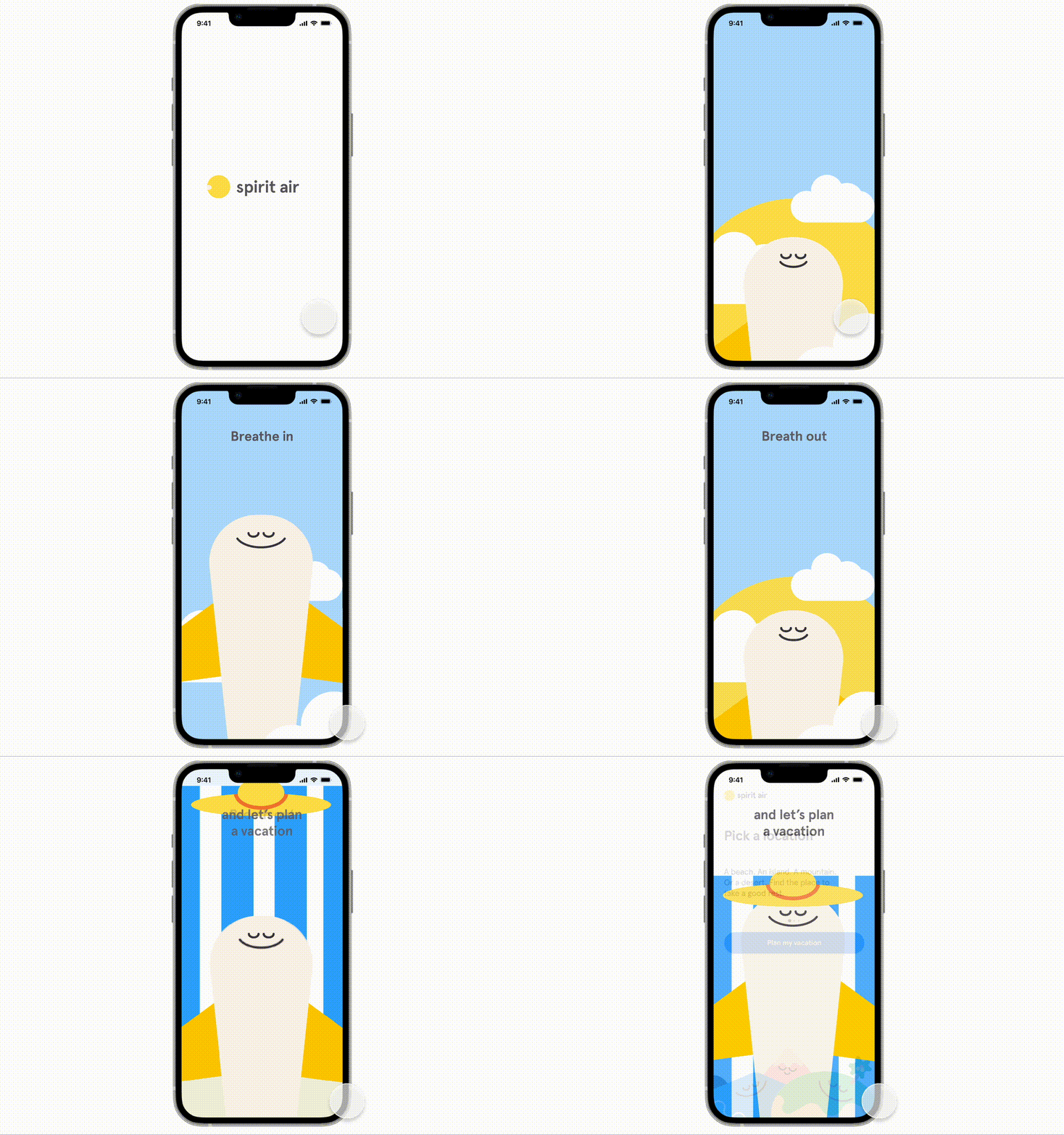
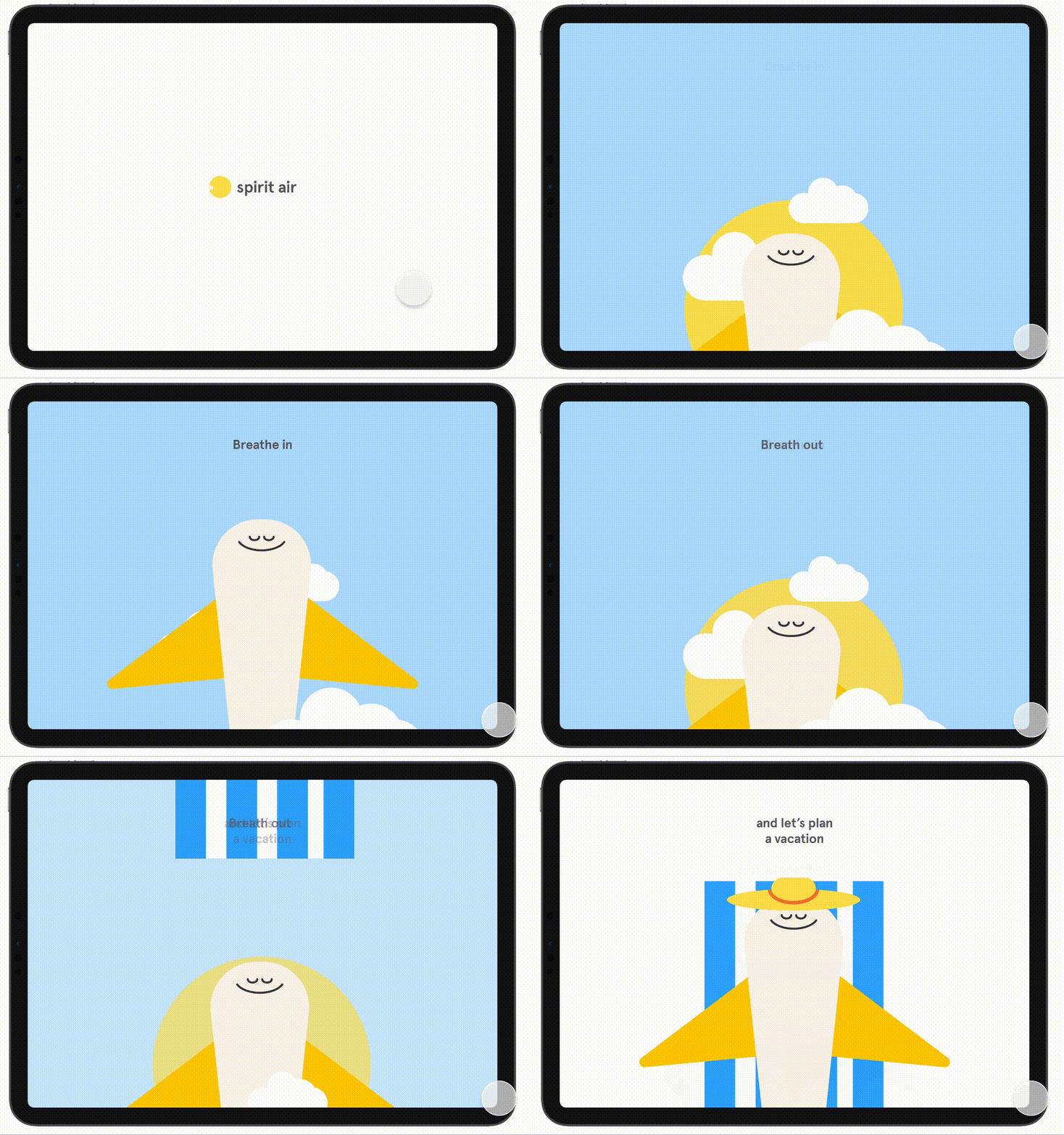
Breath in,
breath out,
and let's plan a vacation
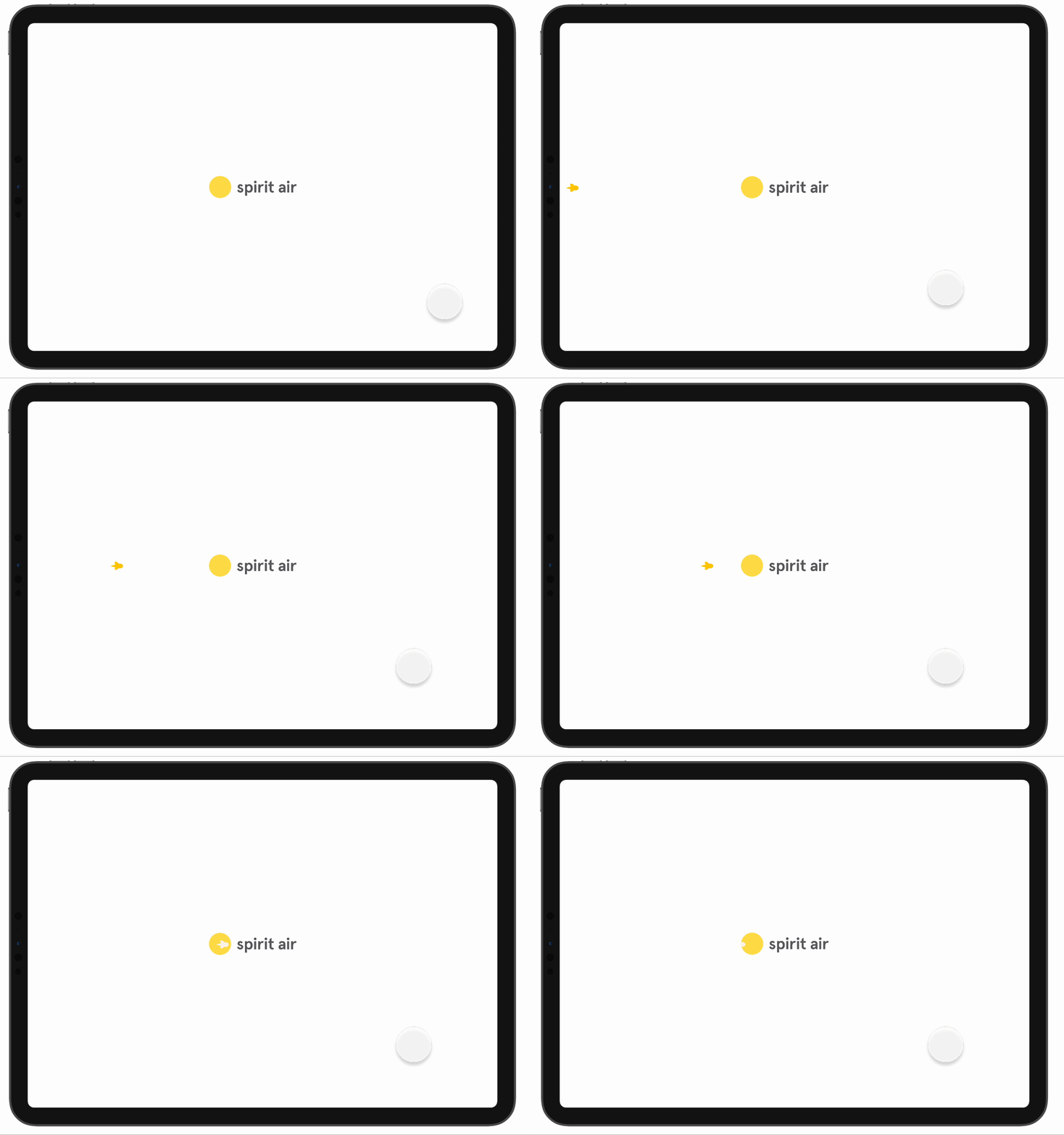
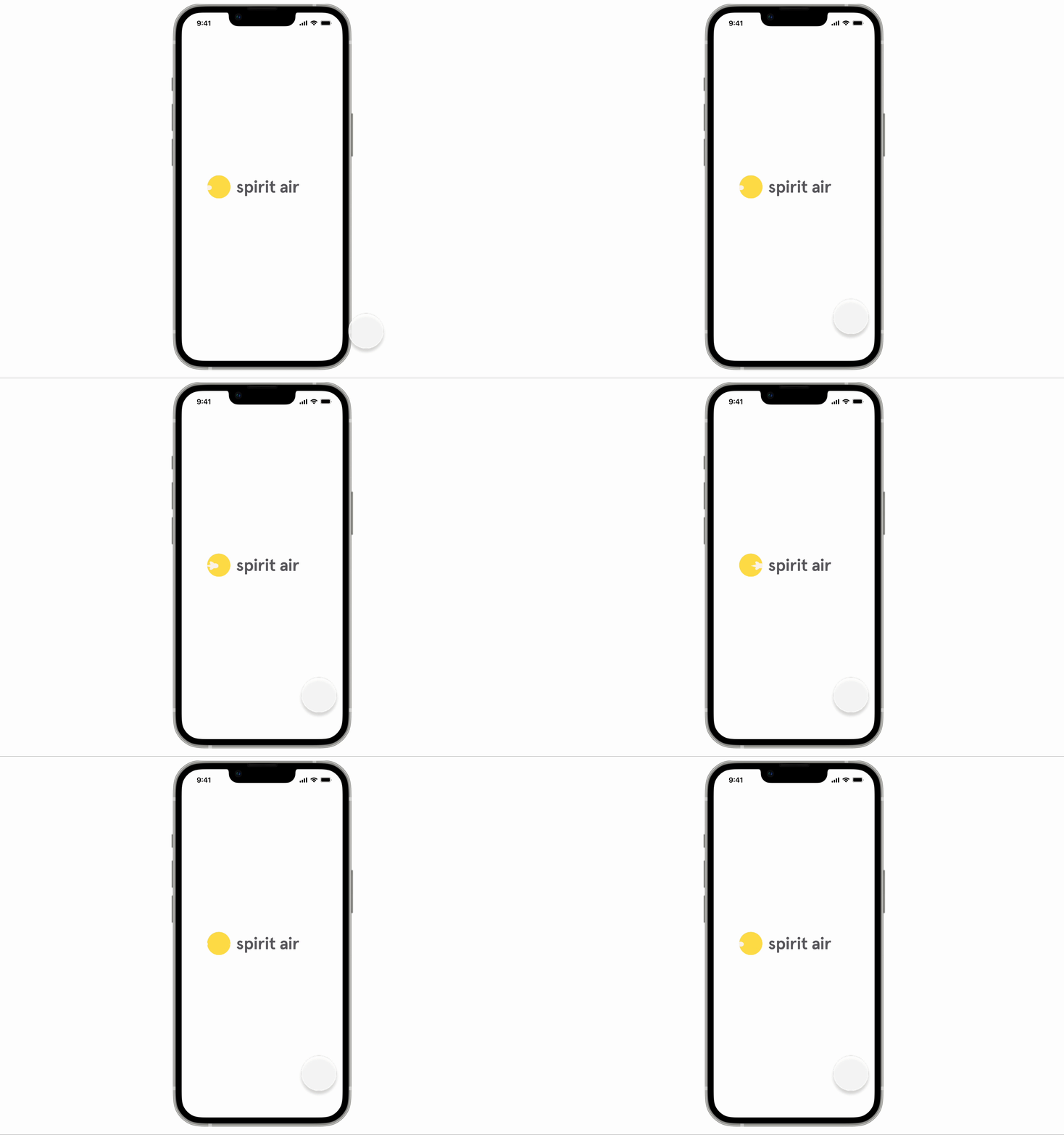
Splash Screen with Logo Animation
Logo: A 'spirit'ual journey across the moon
Inspired by the word 'spirit,' I imagined the circle from the original headspace logo as a moon and a plane flying in the sky across the moon.
Since the tablet UI had more blank spaces, I made the plane fly across the screen while I kept the mobile version focused on the moon itself.
Intro Animation
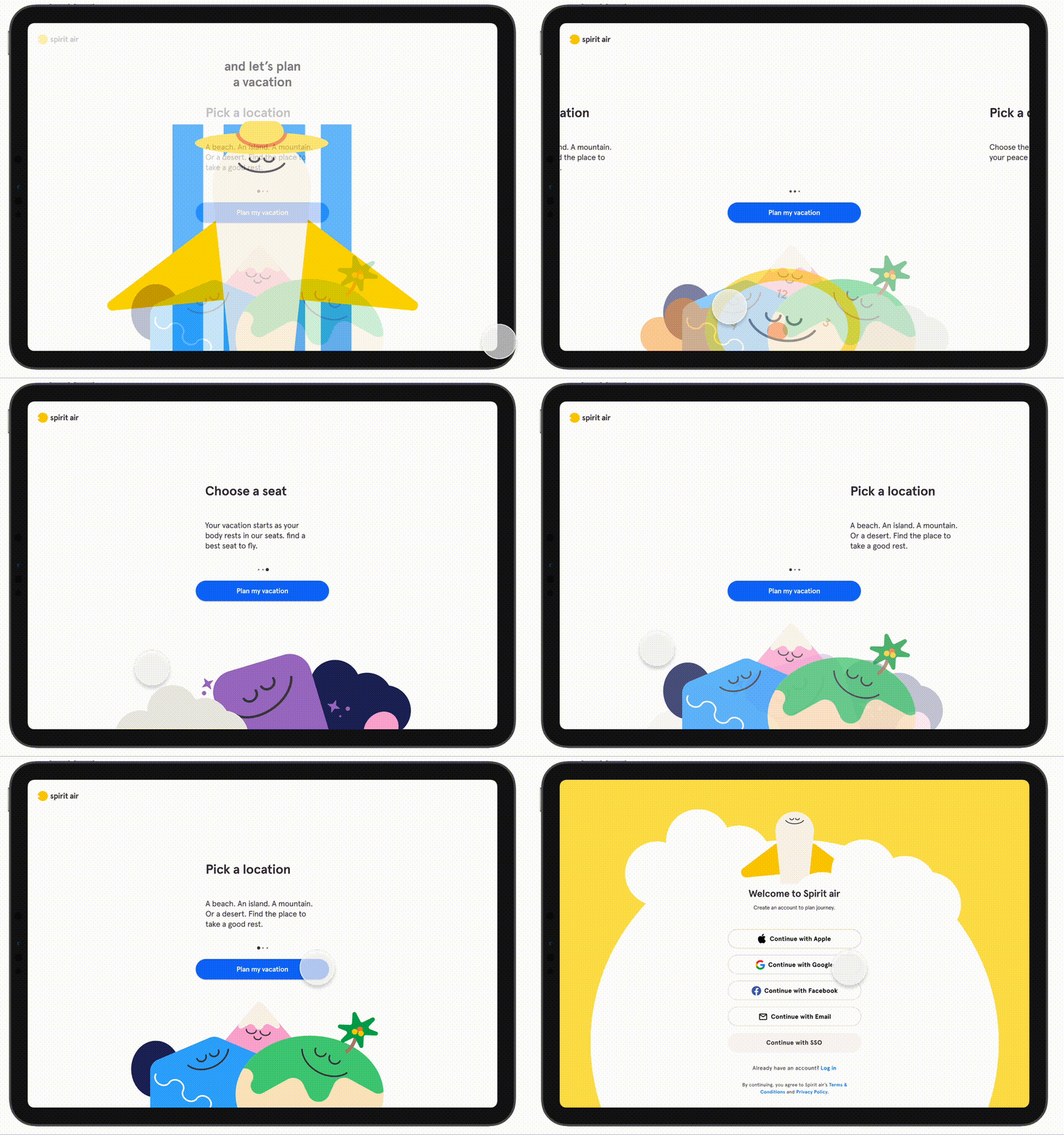
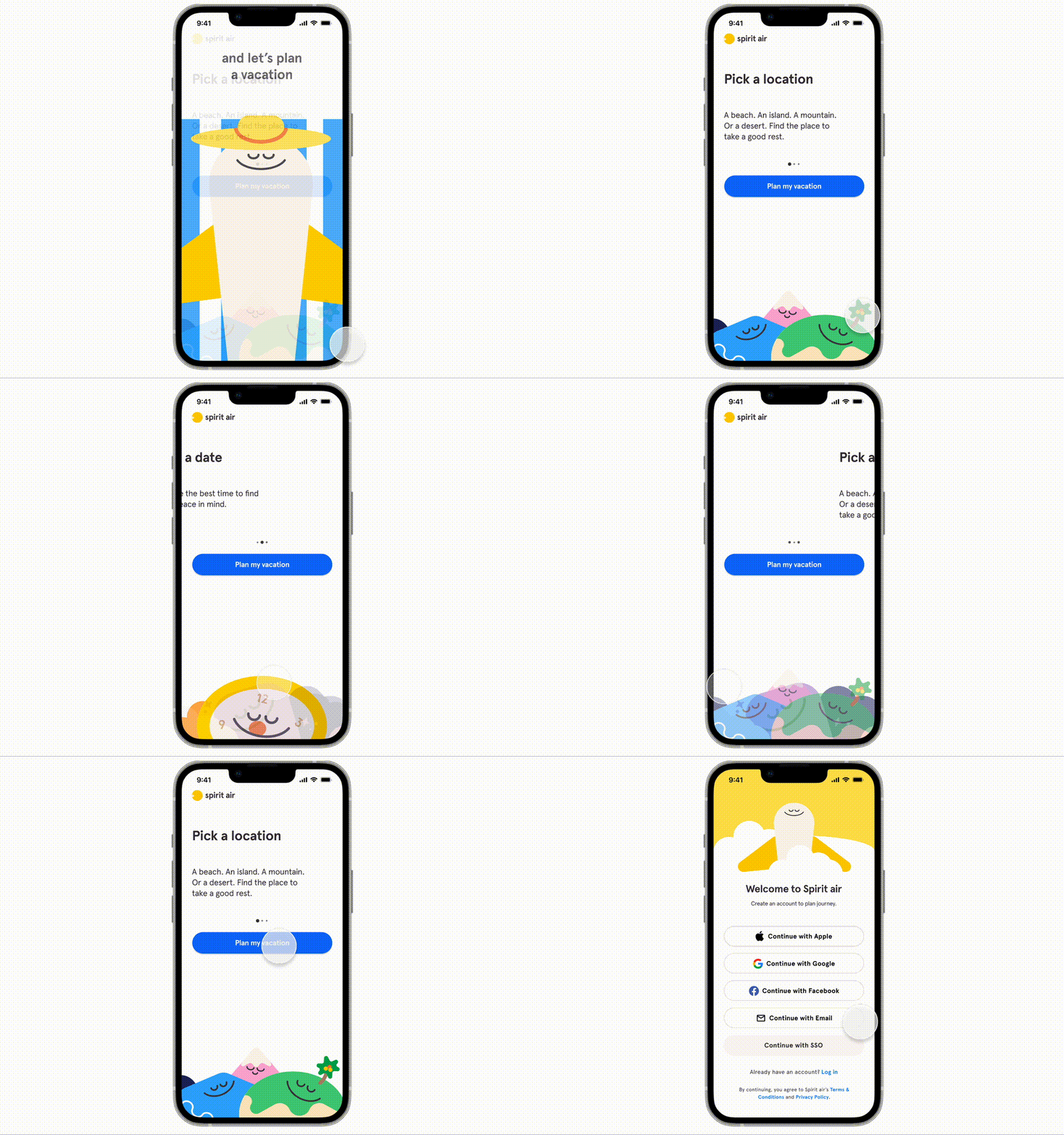
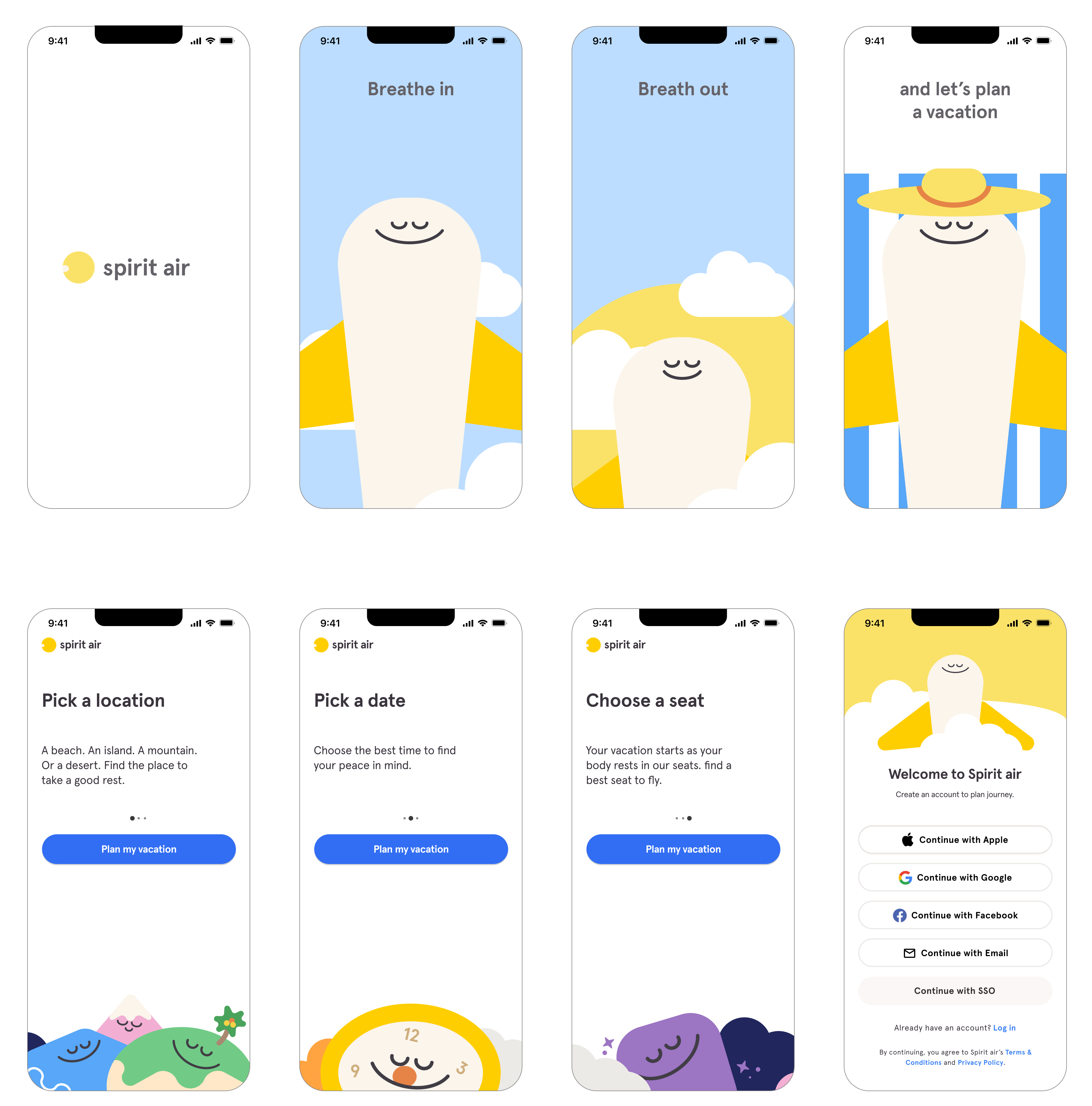
Animation: Breath in, Breath out, and Let's Plan a Vacation
Bringing the iconic Headspace intro animation, I created a short animation to communicate the message and branding of the app. My goal was to make the users relaxed and spark their excitement to plan a vacation.
Also, I wanted to convey the comfort and easy trip experience that the airline can provide to the customers. Without a hustle, you will be at the sunny beach to enjoy!
Onboarding Cards
Onboarding: with illustrated cards
While keeping the layout and interaction of the onboarding cards of Headspace, I wrote the card contents appropriate for the airline. I focused on keeping a calm and relaxing tone.
Also, I put in characters that match the content. An island, mountain, and sea for locations, a clock for time, and a fluffy backrest for a seat.
02. Ideation
‘Simply copying the visual style is no fun! 
I should imagine what this app is meant for!’
Before jumping into copying the visual style, I brainstormed why an airplane app would have selected a style of headspace.
Therefore, I asked and answered the following questions.
‘Therefore, this app will be,’
‍
Airline booking for vacations
touching emotion
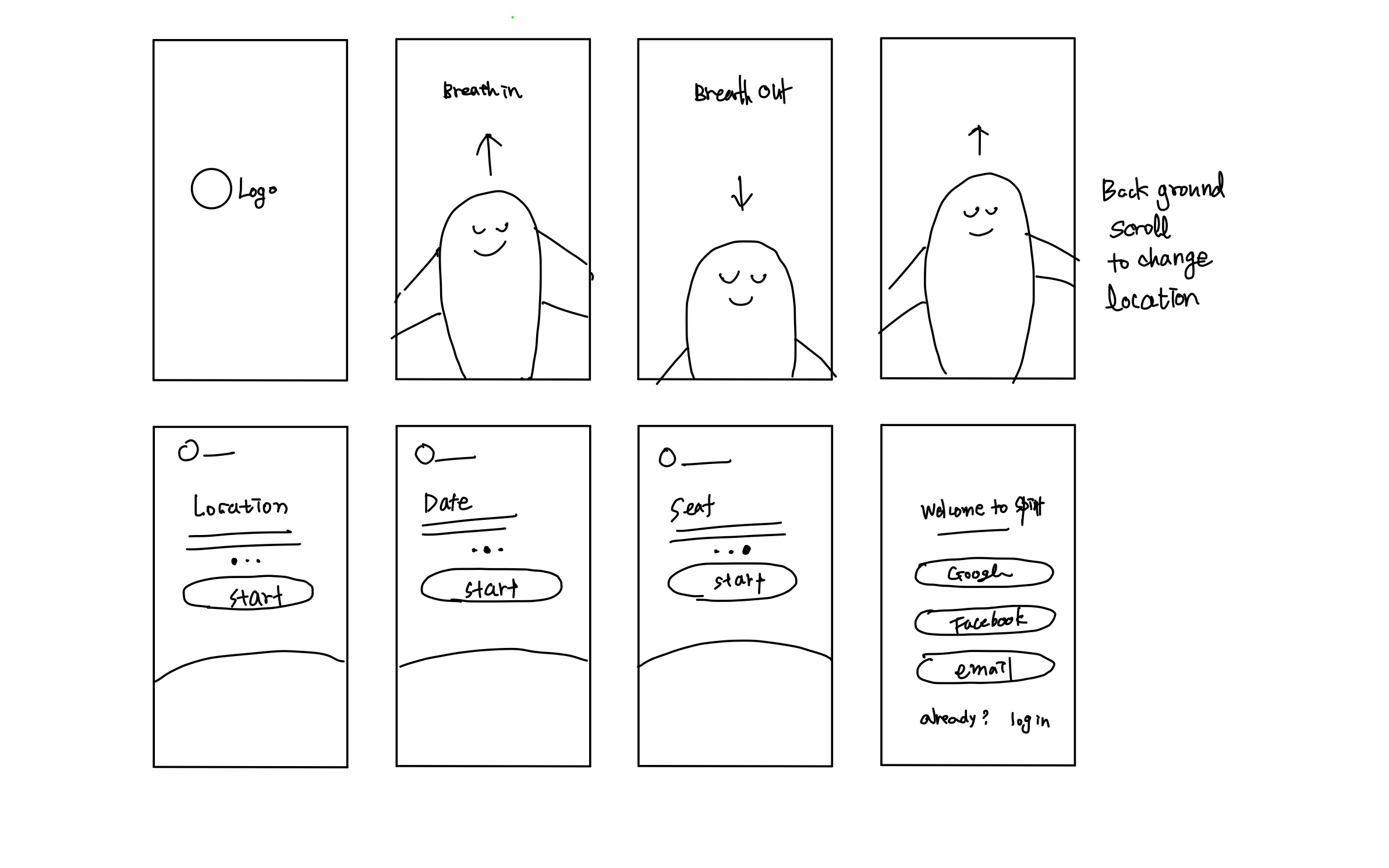
Wireframing
‍
03. Design
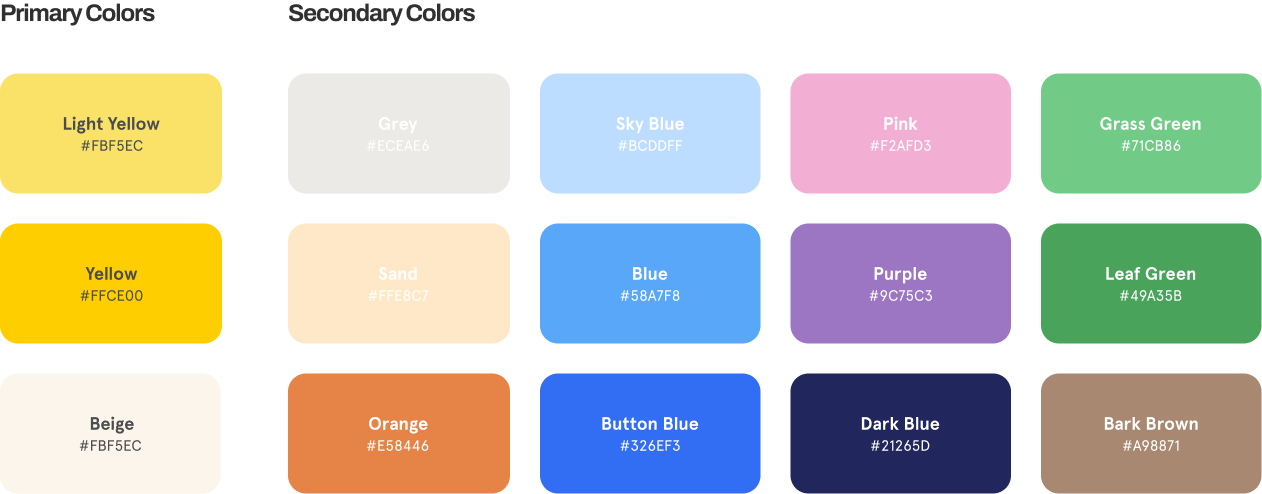
Borrowing Colors from Headspace
and Rearranging for Spirit Air
As Headspace interface is designed with illustrations and animations, there were a lot of colors in the design system. From the abundant options, I selected colors that would match well with the yellow of Spirit Air.
Drawing Illustrations
for Animations and Onboarding Cards
Aside from the main character for the animation, I drew side characters based on the contents I wrote for the onboarding cards. To keep the aesthetic of Headspace, I drew the characters by only using simple shapes and combining them. Also, to keep the identity of Headspace visuals, I used Headspace's face style, which also worked out well to convey the relaxing and comfortable vacation that this new line of Spirit Air will provide.
Designing a Logo and an Animation
Inspirations from Headspace logo and the word 'spirit'

Imagining the plane  peacefully flying across a moon

Final Logo designed!

Inspired by the headspace logo, I transformed into a moon which is the image that I brainstormed from the word 'spirit." For the logo, I designed the motion of the spirit plane flying through the moon. I kept the static logo simple, with the head of the spirit plane entering the moon light.
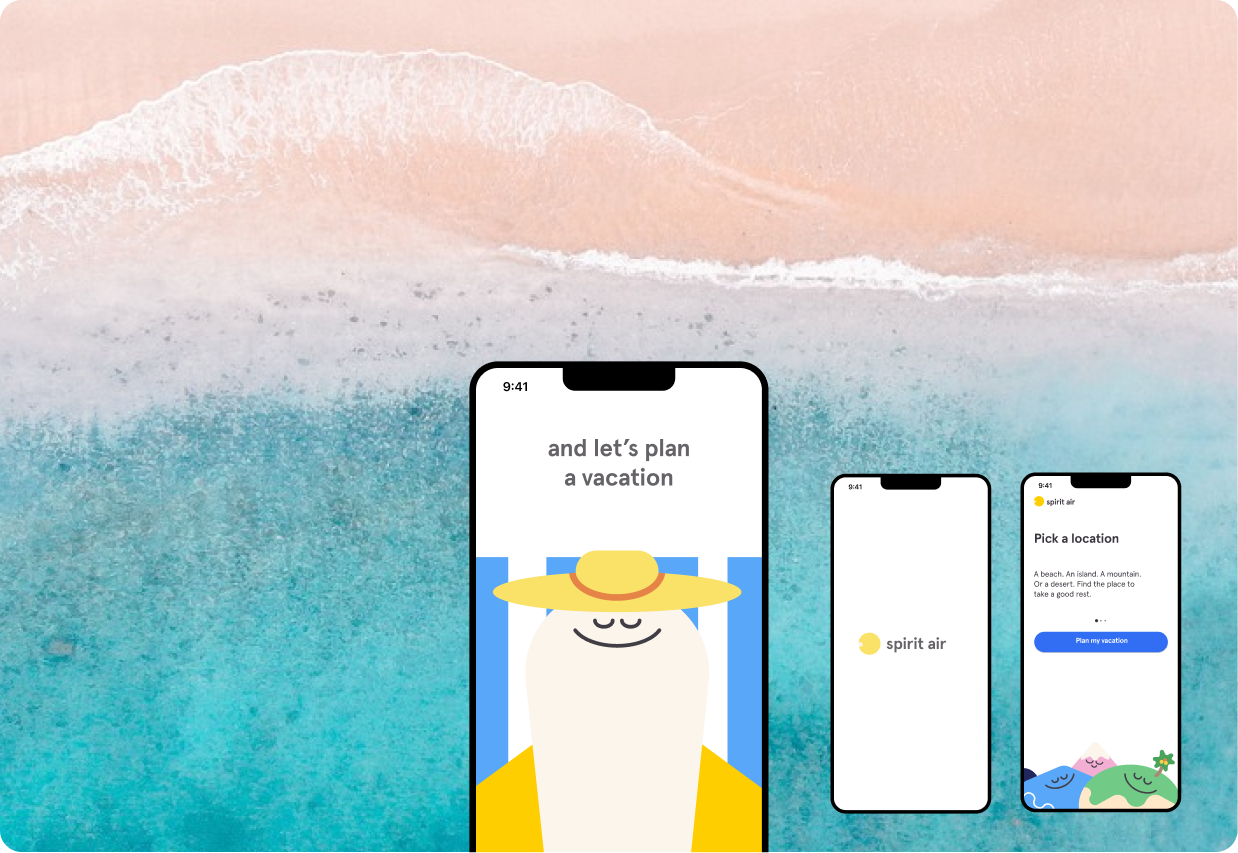
Screens
04. Reflection
I Enjoyed this Mini Project very much!
Communicating through Visual Styles
While this was a mini exercise done in a short time, I really enjoyed thinking about how messages and values can be conveyed through visual styles and animation.
It also reminded me of when I did a competitive analysis on the landing pages of airlines. It was interesting to see how they use different photos, such as a scenic view, a customer inside the plane, or a plane exterior in the sky. Depending on where they put the focus and how they illustrate the traveling experience, showed how they might prioritize their service.
Realized I can sketch in digital vectors
During this time of intense exercise, I realized that I now think and sketch in digital vectors. Since I was only used to hand drawing and sketches, I have been depending on sketching with lines. However, now I feel more comfortable putting shapes right away and illustrating with them. I am happy since it seems my practice in illustrator is showing the results!
Back to Top